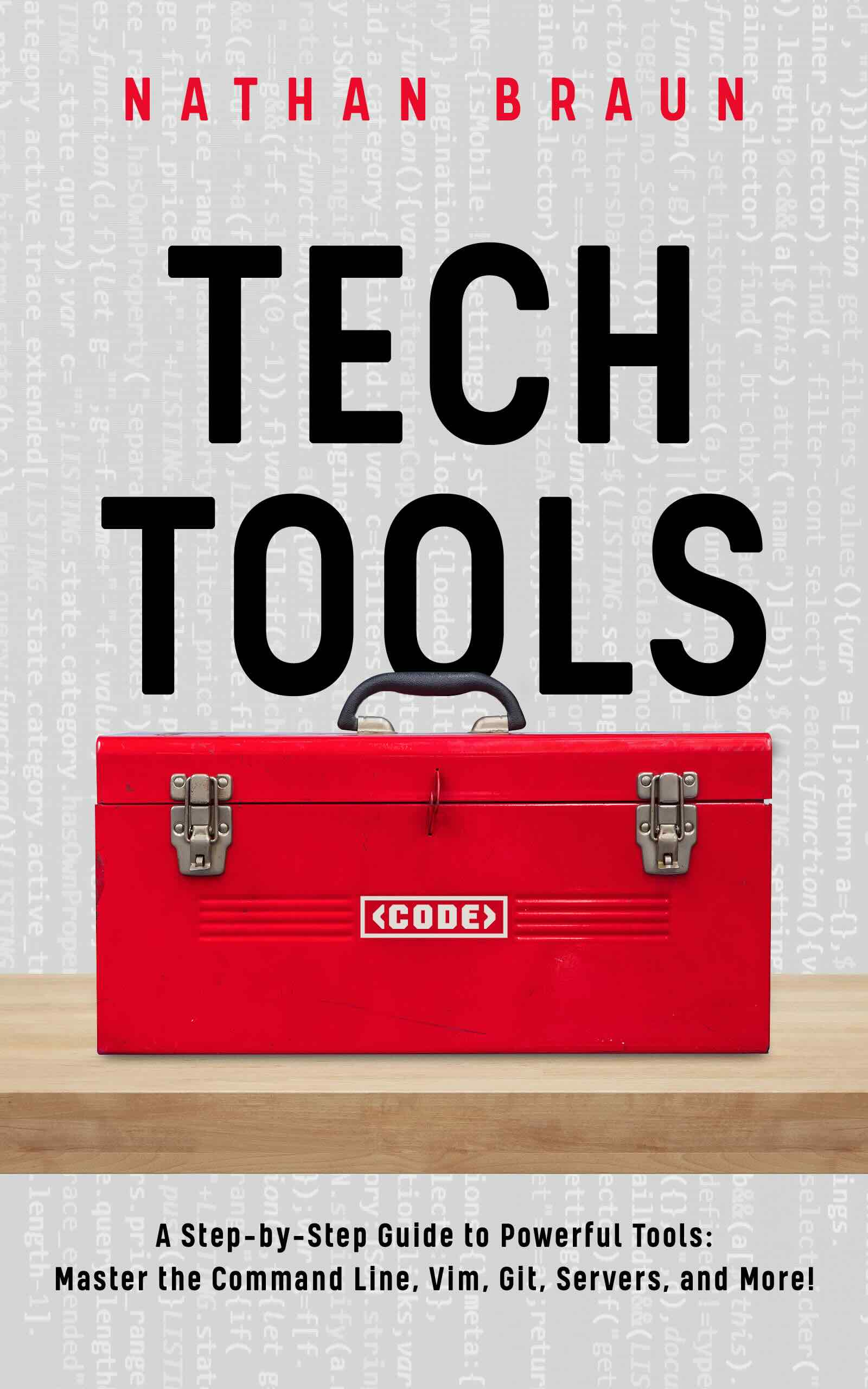
A step-by-step guide to computer tooling

Tech Tools

Learn the computer tools that make you faster and more productive — the terminal, Vim, Git, servers, Chat GPT, a “second brain” note system, and more. For coders and non-coders alike.

Get the book — $79
…or get a free preview by email
No spam — just the preview and the occasional update. Unsubscribe anytime.

Tech Tools — book cover
Abraham Lincoln
“Give me six hours to chop down a tree and I will spend the first four sharpening the axe.”
— Abraham Lincoln

Why read a book on computer tooling?

It's pretty simple actually —

Mastering your computer tools will make you more powerful, efficient and faster at the everyday tasks you need to do.

This means getting more done — including things you wouldn't even have been able to do with inferior tooling — with fewer mistakes, in less time.

And by “more done” I don't just mean more coding: the tools we cover are for learning, thinking, writing, note-taking, web-browsing and emailing too. Even if you never write another line of code, the tools in this book would still be extremely valuable.

They're the same tools I used to write 7 books in 5 years (two of these years at a day job), while running a subscription SaaS business and maintaining a dozen websites.

Ryan C
“I was amazed by how you broke down complicated concepts and made them easier to understand.”
— Ryan C

Like keyboard shortcuts? You'll love this book!

One of the most important tools this book will teach you is Vim — the free, open-source text editor.

“Vim has been one of the greatest things in my life for most of my life.”

— Hacker News user Epicide

What makes Vim awesome? Mostly, it's really fast. Reddit user u/mackstann sums it up pretty well:

[Vim is] a language for manipulating text with your fingers. It has verbs and nouns. It replaces a lot of awkward and inefficient hand movements with much more comfortable and efficient ones. It actually feels good. It's satisfying. … if you edit text … it'll pay back manyfold, not just in efficiency, but in joy.

u/mackstann

It's not a coincidence that Vim users often express how they feel using Vim with gifs like these:

Vim power Vim speed

In my estimation, going from hunting and pecking on the keyboard → fast touch typing is a similar jump to going from typing fastVim.

Some people think Vim is hard to learn, but it's really not. I've made learning it easier than ever by rewriting the classic, interactive vimtutor tutorial. It's included in the files that come with the book.

Plus I'll show you how to talk to Chat GPT inside of it, set up a “second brain” note-taking system, and more!

What People Are Saying

About my previous coding books —

The book here was really, really well done.
— Bill Connelly, ESPN
This is amazingly awesome. I've recently slowly crept into data science driven by a pet passion for fantasy sport analytics. The way the learning is framed here is 10x what you'll get someplace else.
— u/Nick58
Fantastic... literally feels like it was written for me!
— u/MurrayInBocaRaton
Much more engaging for me personally because it's info I'm interested in. I've taken automate the boring stuff, python for finance, etc and while those courses are great, I seem to be understanding it better because it's about a subject I like.
— u/financenstuff
It helped me tremendously... I wouldn't be where I'm at with the Python language today without this book to kick start things.
— u/F1rstxLas7
Urshita G
“Thank you Nathan … You ARE an amazing teacher!”
— Urshita G, Reddit

Get the book

Tech Tools — book cover

Tech Tools

$79

Maximize your productivity with this guide to key computer tools. Covers the terminal, Vim, Chat GPT, Git, servers, building a “second brain” note-taking setup and more.

Good for both coders and non-coders. Includes:

  • The 257 page book in PDF format
  • Windows, Mac, and ChromeOS setup configuration files
  • Interactive tutorial
  • Lifetime updates

Secure checkout via Stripe. Instant download after purchase.

Nate Braun

About the author

Hi! My name is Nate and I'm a self-taught programmer and data scientist based in Milwaukee, WI. A few years ago, I didn't know anything about the command line, Git, servers, or any of the other topics covered here. So I taught myself — it took a few years and a lot of dead ends, but I figured it out. In this book I distill everything I've learned into a step-by-step guide to being as productive as possible with your computer.